Introduction
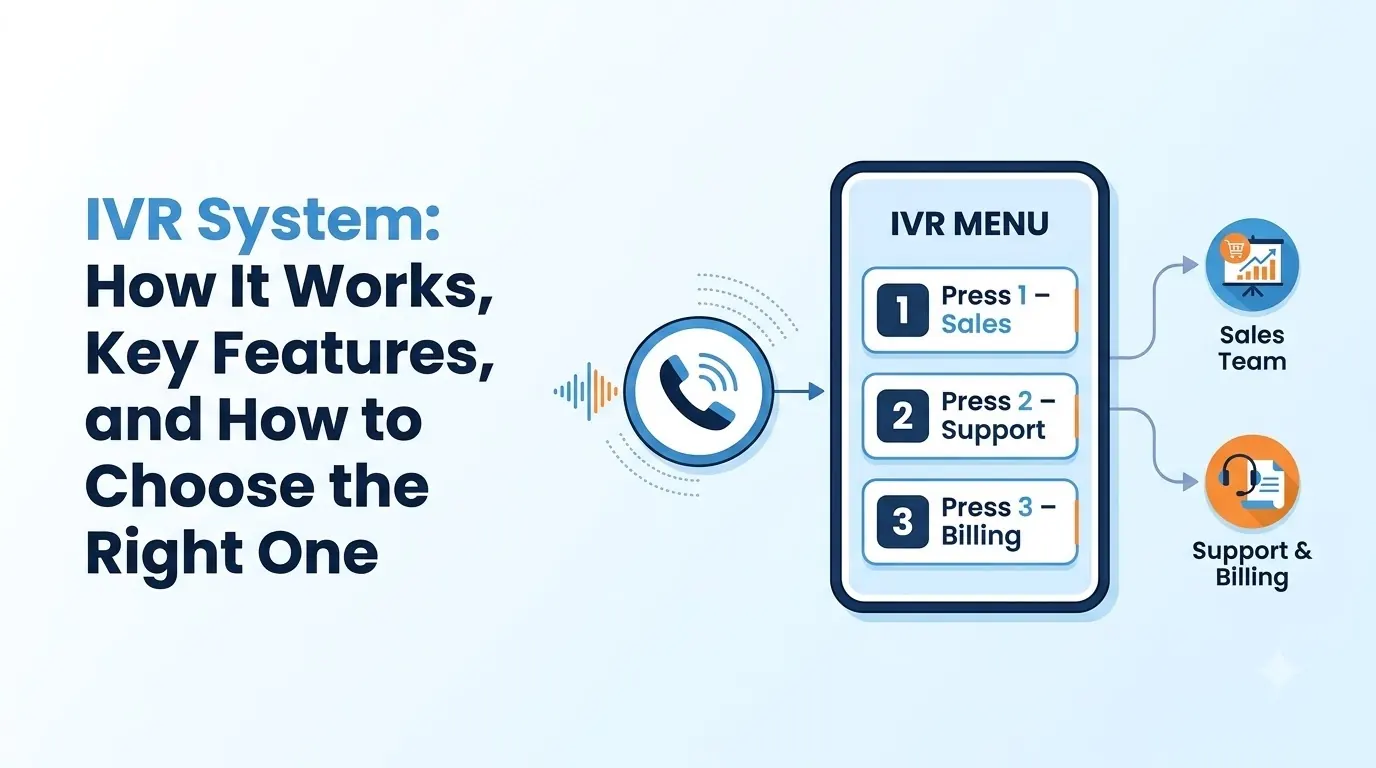
An IVR system, or Interactive Voice Response system, routes callers to the right destination. Callers can navigate the menu by pressing keys or speaking into the phone, and they can be directed to a team, receive information or leave a message.
An efficient IVR system means callers are quickly connected to the right person, while a poor IVR can cause confusion.
This guide outlines how an IVR system works, how it differs from an auto attendant, the features to look for and how to choose and test one for your business.
- What an IVR system is and how a call moves through it
- Keypad, voice recognition and combined menus compared
- How an IVR differs from an auto attendant
- Design habits that keep callers from leaving
- A simple checklist for choosing, plus the mistakes to avoid
What Is an IVR System?
IVR stands for interactive voice response. An IVR system lets callers interact with an automated phone line. Based on caller input, either key presses (DTMF) or speech, the caller will be routed, given information, asked for information or placed in a queue.
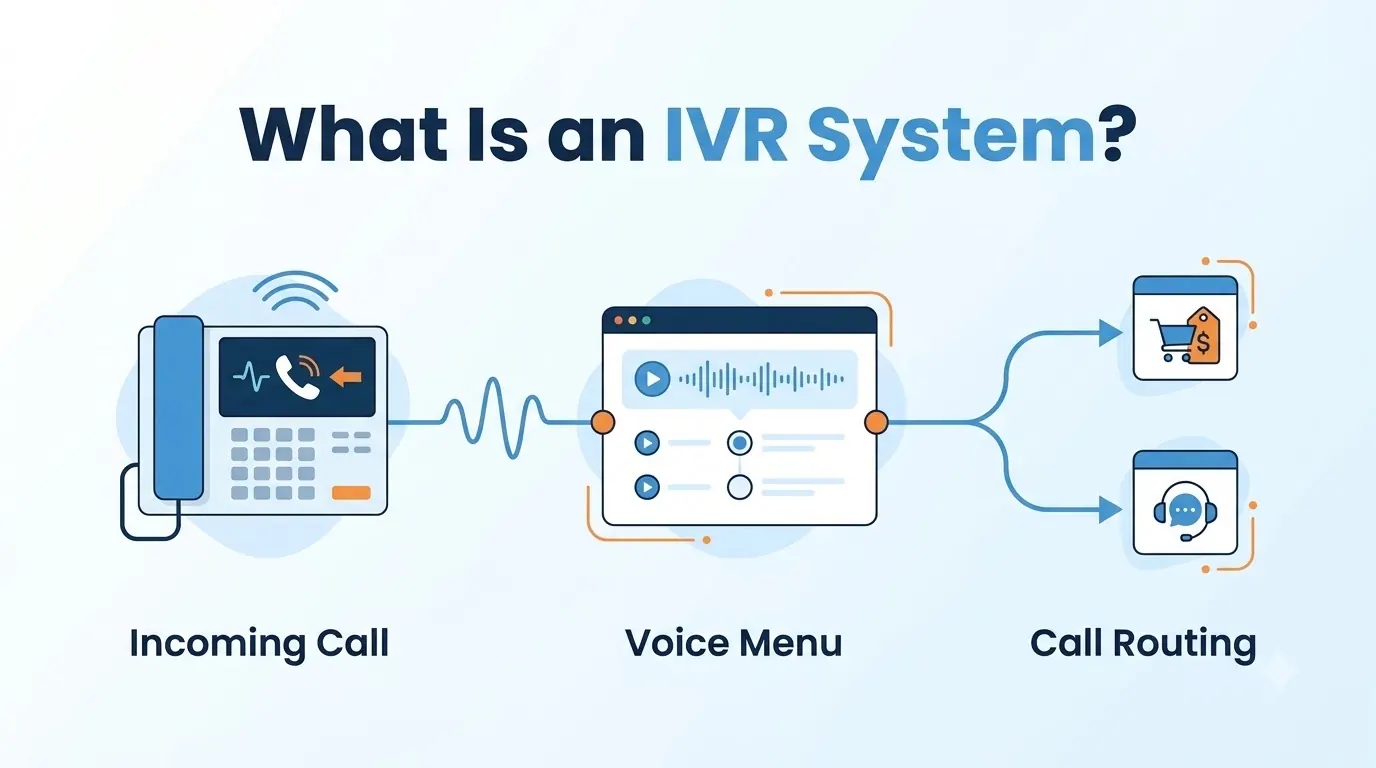
IVRs are commonly used on customer support, sales, billing and booking lines.
They let many callers be directed to just a few destinations, which means employees do not have to answer repetitive questions and callers can be routed efficiently to the right person.
Teloz's IVR allows multiple levels of navigation, voice recognition, key press navigation and a no-code builder, so your operations team can easily make changes.
How an IVR System Works
All IVR calls follow a similar process. Here is what happens from the moment the phone rings.
- Greeting. Callers are greeted, and often given information about opening hours or a note that the call may be recorded.
- Options given. Callers choose one of the options provided by pressing a key or speaking.
- Conditions applied. Depending on time of day, language, location and information from your CRM, the call can take different paths.
- Routing. The call is routed to a queue, an individual, voicemail or a self-service answer.
- Transfer to an agent. If a human is required, the call is placed in the correct queue for an agent to answer.
To make an IVR efficient, keep paths short so people do not get lost, while still allowing them to reach a person.
Types of IVR System: Keypad, Voice and Combined
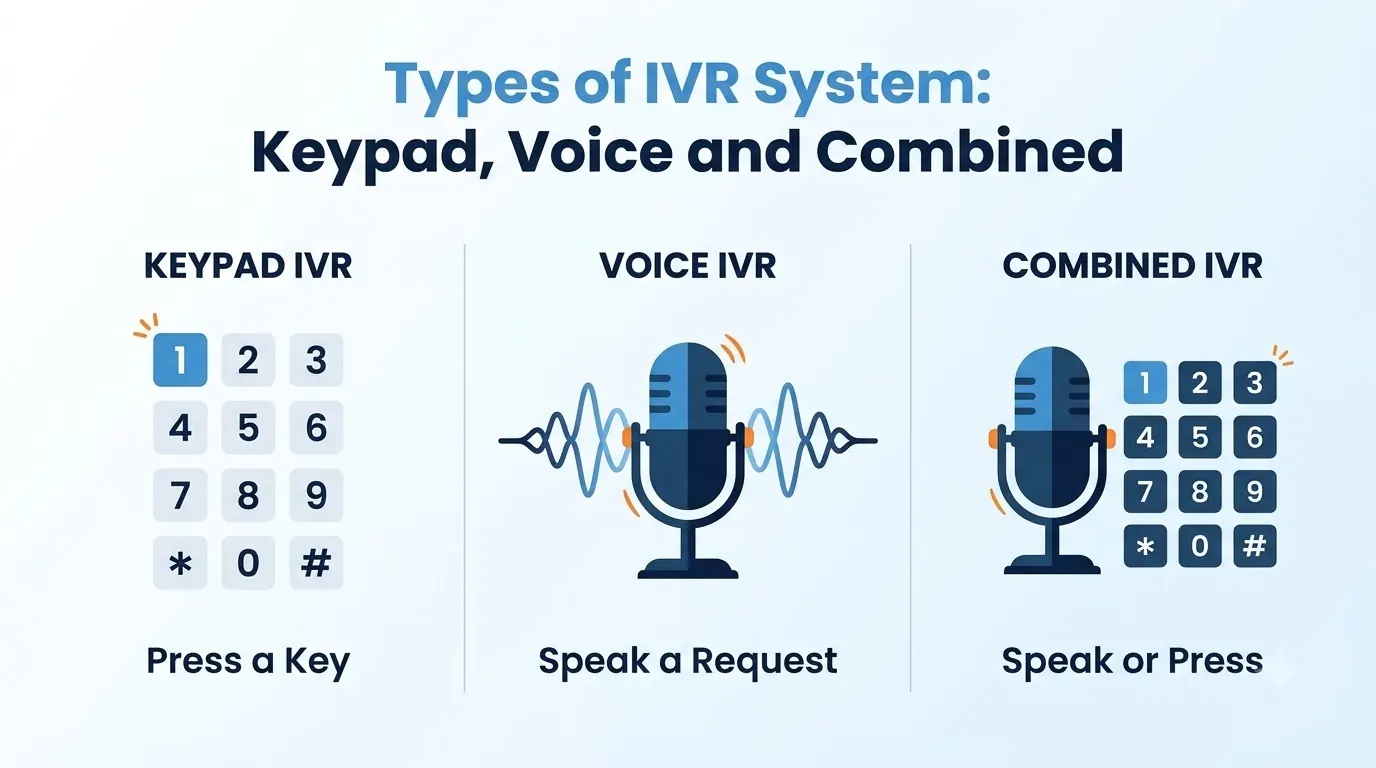
IVR menus differ based on how callers interact with them. Teloz allows voice and key press navigation in the same flow, with voice recognition as the primary method and key press as a backup. The table below works as a checklist for any IVR provider.
| Type | How callers respond | Best for | Main trade-off |
|---|---|---|---|
| Keypad (DTMF) | Press a number for each option | Predictable choices and callers who know the structure | Long menus make callers give up |
| Voice recognition (NLP) | Say what they need in plain words | Varied reasons for calling, such as help desks and general lines | Needs a keypad fallback when a request is misheard |
| Combined | Say it or press it | Most business lines | More set-up, and both paths need testing |
If your callers are likely to know what they want, a simple key press menu may be suitable. If callers have a wide variety of reasons for calling, voice recognition with key press navigation is typically better.
IVR System vs Auto Attendant
While the terms are sometimes used interchangeably, auto attendants and IVRs have different purposes. An auto attendant greets callers and routes them to extensions, individuals or voicemail.
An IVR system allows for input to be taken, decisions to be made based on conditions, and integration with other data. See our guide to the business phone system to understand where these fit in.
| Auto attendant | IVR system | |
|---|---|---|
| Main job | Greets callers and routes them to a person or voicemail | Collects caller input and routes by what they need |
| Typical features | Greetings, schedules, dial-by-name, voicemail fallback | Multi-level menus, voice recognition, CRM-based branching |
| Best fit | Small teams that need every call answered | Teams with several departments or varied call reasons |
Many businesses use both. An auto attendant is typically used at the start of calls or outside of operating hours, while an IVR is used on busier phone lines.
Key Features of an IVR System
There is a lot to consider with IVR software, so start with the features that will make the caller experience better.
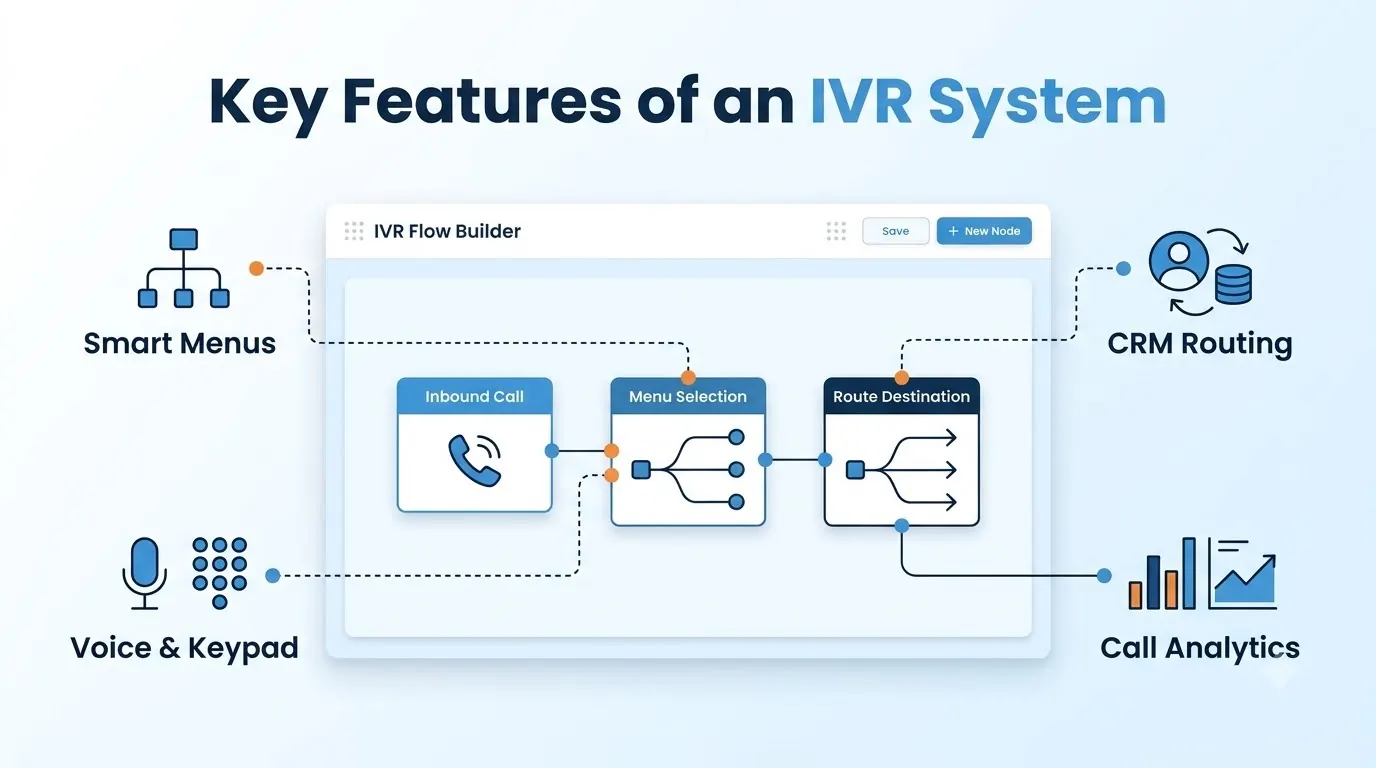
- Multi-level menus. Multiple levels can be added to the menu, with decisions based on time of day, language and location.
- Voice recognition with key press option. Callers can speak their request, and key press options can be used for anything else.
- Visual builder. A drag-and-drop interface means operations teams can design or change the IVR flow without coding.
- CRM-aware routing. If a caller belongs to a known account, such as a priority account, they can be routed to the right place without going through the menu.
- Audio library. Manage the greeting and prompt sounds in the menu.
- Analytics on each step. See where in the menu callers are dropping out and how many chose each option.
- Testing. Compare the performance of different flows.
Prioritize features by how often you will change the menu. If your holiday and campaign menus change monthly, the visual builder matters more than if the menu only needs setting once.
IVR System Design: Keeping Callers From Leaving
Consider the design of the IVR menu itself. Teloz's IVR guidance gives simple guidelines to follow.
- Keep the first menu short. We recommend keeping the first level of the menu to four options.
- Offer a say-what-you-need option. If callers know what they need, they can say it.
- Send callers to a person after three loops. If a caller loops three times, direct them to a person.
- Always honor the zero key. If a caller presses 0, direct them to a real person or a clearly defined next step.
- Test and improve. Look at where people drop out of the menu and improve step by step.
Compliance for an IVR System
An IVR is also used to send alerts and reminders, and that is where the rules matter most.
The Telephone Consumer Protection Act, 47 U.S.C. § 227, makes it unlawful to place calls using an automatic telephone dialing system or an artificial or prerecorded voice to certain numbers, including cell phones, without the called party's prior express consent, with limited exceptions.
If you record calls in your IVR, mention this in the greeting. Rules around consent for recording calls differ by state and country and depend on the type of call, so confirm what applies to your calls with counsel.
How to Choose an IVR System
Once you know the main reasons people call and where to direct them, work through this checklist when comparing IVR software.
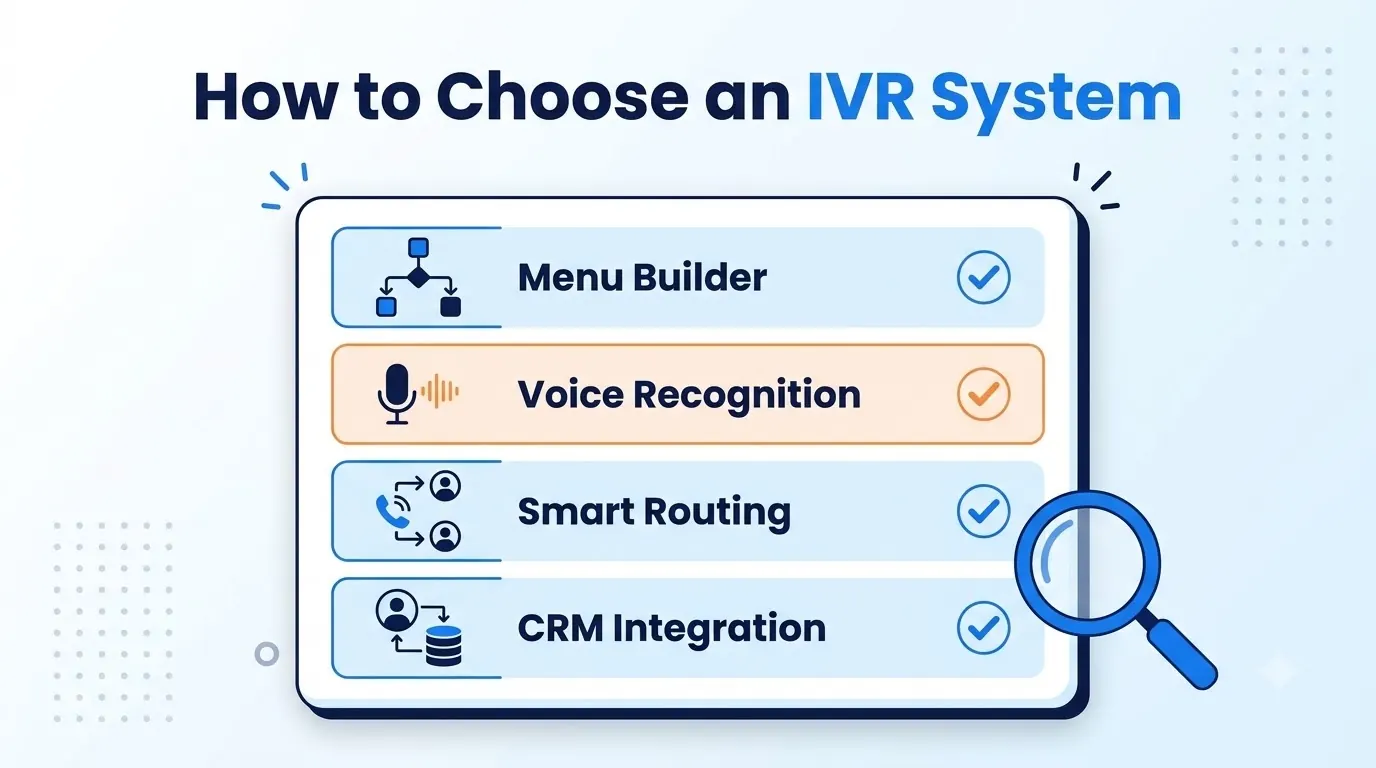
- Menu builder. Who can edit the flow, and how long until changes go live?
- Voice recognition. Check voice recognition is included on your plan. What happens if a request is not recognized properly?
- Integrations. Can the IVR pull information from your CRM?
- Routing and queues. Does the call routing software hand callers smoothly to the right skill-based queue in your automatic call distributor (ACD)?
- Languages, timing and location. Can decisions be made based on language, time of day and location?
- Analytics. What can be seen in reporting for each menu step?
- A real trial. Build a real IVR flow and try it. Teloz offers a 14-day free trial with no credit card required.
“The best IVR gets callers to the right person fast, and never leaves them without a way out.”
Common Mistakes When Choosing an IVR System
Most IVR problems come down to a few common issues.
- Too many options. Long first-level menus mean people may press 0 or hang up.
- No option to reach a person. Not offering a way to reach a person is the quickest way to lose callers.
- No plan for after hours. Have a plan for what callers hear outside office hours.
- No testing with real people. Test with people who have not used the IVR before.
- No analysis. As your business changes, your menus may become outdated, so check your reports.
Most of these issues can be avoided by creating a short summary of common calls and agreeing it with both the people answering the phones and the people building the menu.
Conclusion
A well-designed IVR system allows quick routing of calls and reduces repetitive questions for your team. For simple, predictable calls, key press works best.
For unpredictable requests, voice recognition works best, and most business lines benefit from combining both.
Map the main reasons people call, keep the first-level menu short, make sure the IVR connects to your CRM and queues, and try a real flow before you commit. Do that and your IVR will be effective rather than frustrating for callers.


