Introduction
A business phone system is the set of tools that lets a company place, receive, route and manage calls across its people and locations.
It is more than a handset on a desk: it decides who answers a customer, where a call goes after hours and how your team reaches anyone from a laptop or a phone.
Most buyers are not starting from zero. They have an aging PBX, a pile of mobile phones or a landline that no longer fits how the team works.
This guide explains what a business phone system does, compares the main types and gives you a practical way to choose one and switch without disrupting customers.
- What a business phone system is and how it routes calls
- The core features worth checking in any provider
- Landline, on-premise and cloud systems compared in one table
- A simple way to choose, the common buying mistakes and how to test before you commit
- How to switch without downtime and meet 911 requirements
What Is a Business Phone System?
A business phone system connects your company's phone numbers to your people, devices and call rules. When a customer dials your main number, the system decides what happens next: play a greeting, offer a menu, ring a group or send the call to voicemail.
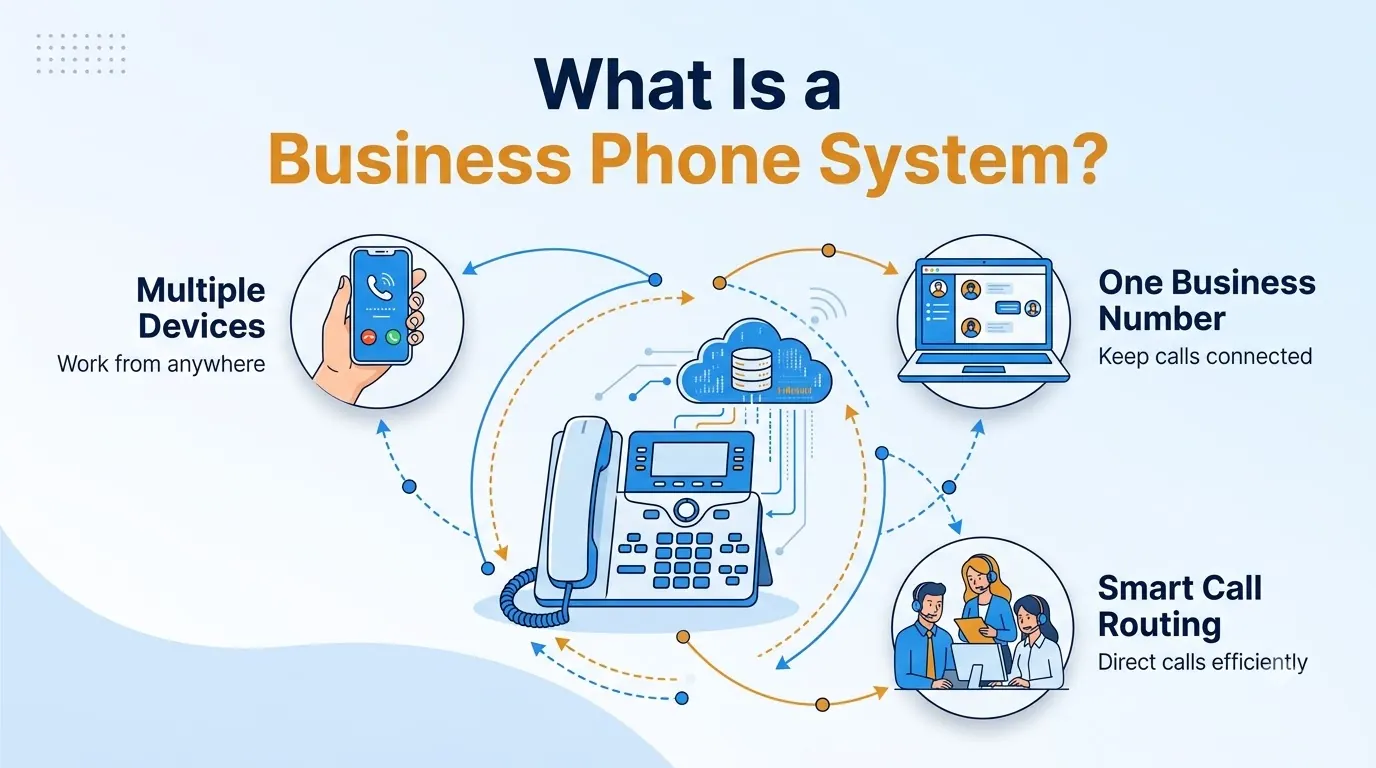
The older model relied on physical lines and a box of hardware in a closet. Modern systems run in the cloud, so the same number can ring a desk phone, a laptop app and a mobile phone.
Staff in different cities can share one number, one directory and one set of call rules.
The practical difference is control. A business system lets you set rules by department, time of day or skill, see what happened on every call and add or remove users without a technician visit.
Core Features of a Modern Business Phone System
Feature lists get long, so focus on the capabilities that change daily work. Teloz's business phone system is built around the same core set, and it is a useful checklist whichever provider you evaluate.
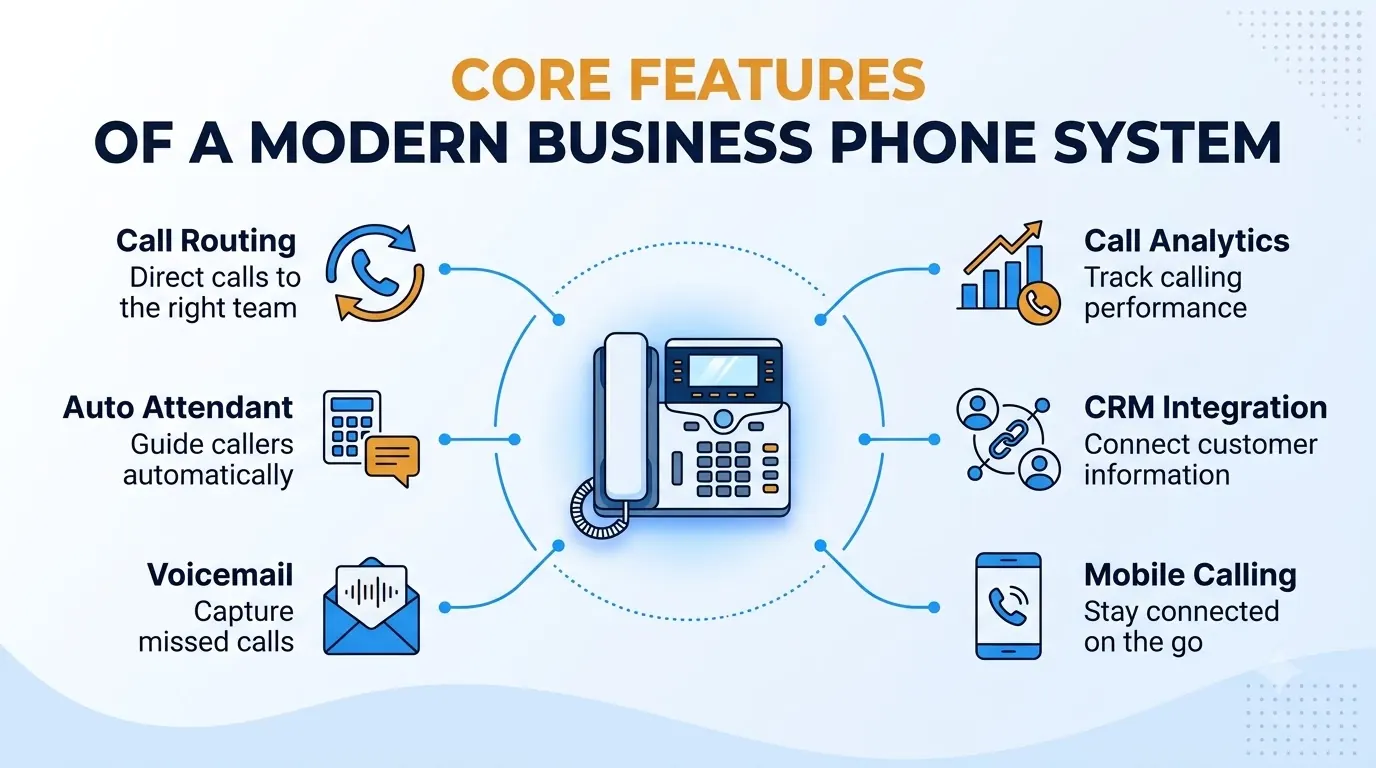
- Extensions and direct numbers. Every employee gets an extension and can also have a direct number. Calls between colleagues stay internal.
- Auto attendant and IVR. A greeting and menu route callers by department, language, skill or time of day, so the right person answers the first time.
- Call queues and ring groups. Busy periods are handled with queues, wait announcements and callbacks instead of a ringing line nobody answers.
- Call recording and voicemail-to-email. Recording can be on demand or automatic, and voicemail arrives as an audio file with a text transcript.
- Business texting. Customers can text the same number they call.
- Softphone and mobile apps. Desktop and mobile apps keep staff reachable on the company number without exposing a personal one.
- Desk phone support. Common SIP desk phones can be provisioned automatically, so existing hardware often has a second life.
- CRM integration and reporting. Calls can be logged in the tools your team already uses, and call reporting shows what is happening on the phones. Ask any provider exactly what reporting is included.
Tie each feature to a problem you have today. If missed calls are your issue, queues and voicemail-to-email matter more than a long list of extras.
Types of Business Phone Systems Compared
There are three types you will meet in practice: traditional landline and PBX systems, on-premise IP PBX and hosted cloud systems.
Cloud systems that carry calls over the internet are usually called VoIP, and our deeper breakdown of the VoIP phone system covers deployment models and buying details.
| Type | How it works | Best for | Main trade-off |
|---|---|---|---|
| Traditional landline / PBX | Physical phone lines and on-site hardware | Single location with simple needs | Hard to scale and slow to change |
| On-premise IP PBX | Company-owned server running calls over the internet | Teams with in-house IT and strict control needs | You own the hardware, upgrades and maintenance |
| Hosted cloud (VoIP) | Provider runs the system; you use apps and phones | Growing, hybrid or multi-location teams | Needs a reliable internet connection |
Traditional lines still work, but they tie your numbers to a building. An on-premise IP PBX gives you control at the cost of upkeep. A hosted cloud system moves that upkeep to the provider and lets people work from anywhere, which is why most new deployments land there.
How to Choose a Business Phone System
Choosing well is mostly about writing down your needs before you look at vendors. Work through these questions in order, then pick the deployment type that fits the answers.
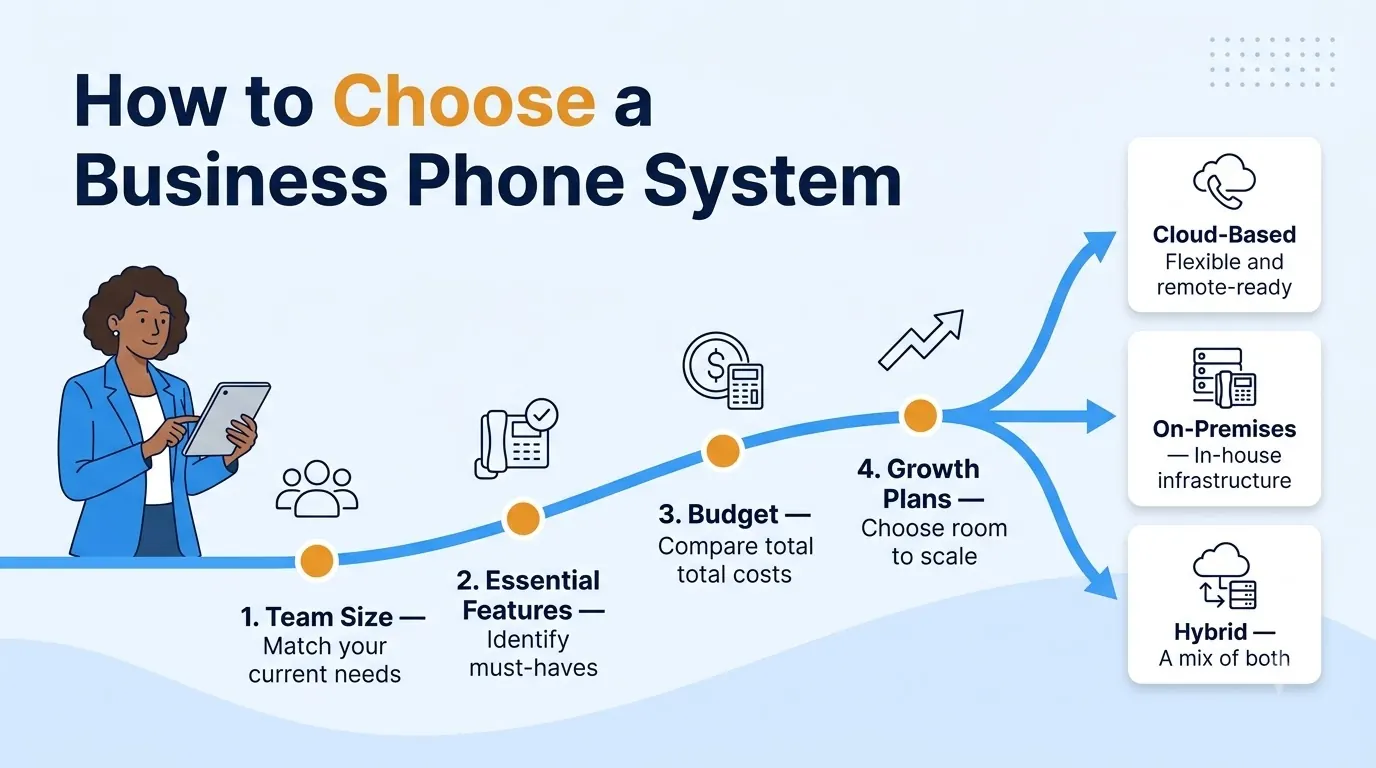
- Team size and locations. List how many people need a line today, how many you expect to add and where they work. A system that is easy to scale saves you a migration later.
- Essential features. Sketch how calls should move (main number, departments, after-hours, overflow) and mark the features you cannot do without.
- Budget. Compare total cost rather than the headline per-user price: setup, add-ons, hardware, texting and number porting all count.
- Growth plans. Choose a platform that can add users, locations and features without a rebuild.
- Devices and tools. Confirm support for the desk phones your team already owns, the mobile apps people prefer and tools such as Microsoft Teams or your CRM.
- Number porting. You want to keep your existing numbers. Ask whether the provider handles the porting paperwork and keeps your current numbers active during the switch.
- A real trial. A trial with real users shows call quality and admin effort better than a demo. Teloz offers a 14-day free trial so teams can test with live calls before deciding.
Common Mistakes When Buying a Business Phone System
Most regrets after a switch trace back to a handful of avoidable mistakes. Check your plan against this list before you sign anything.
- Buying on price alone. A low per-user price can hide add-ons for texting, recording, extra numbers or hardware. Ask for the full list of what is included.
- Skipping the call flow map. If you have not decided how calls should route after hours or when a team is busy, you will rebuild the setup within weeks.
- Ignoring mobile and remote staff. If part of your team works away from a desk, the mobile and desktop apps matter as much as the desk phone.
- Forgetting number porting. Confirm the process, the timing and who handles the paperwork before you commit.
- Not testing with real calls. A demo cannot show you call quality on your own network, so run a trial with real users first.
A short written checklist, shared with everyone who will use the system, catches most of these problems before they cost you time or customers.
Switching Your Business Phone System Without Downtime
The fear with any change is lost calls. A careful rollout avoids it by running the old and new systems side by side for a short period instead of cutting over in one step.
A sensible plan looks like this: document existing extensions, ring groups and call flows, then set up the new system in parallel.
Forward a small group of calls to test it, port the numbers carrier to carrier and retire the old system only when the team is comfortable. Teloz describes this approach on its product page, running the old and new setups in parallel for about a week.
Plan the cutover for a quiet day and tell staff what changes, such as how to use the new app. Most problems at launch come from people not knowing where to log in, not from the technology.
“Write down your users, call flows and must-have features first, then test with a real trial.”
Emergency Calling and Compliance for a Business Phone System
Every business phone system must let people reach emergency services.
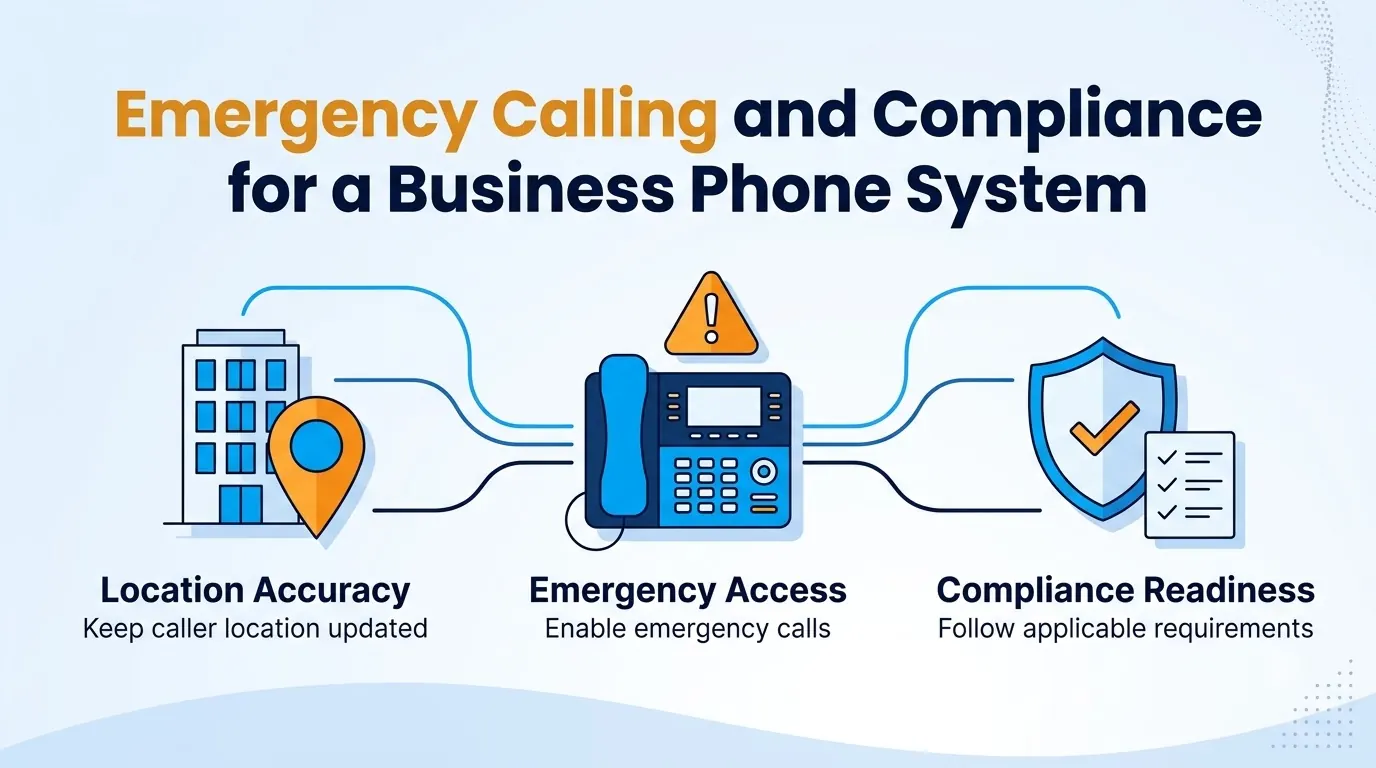
In the United States, federal law requires multi-line telephone systems to let users dial 911 directly, without a prefix like "9" for an outside line, and to notify a central location when a 911 call is made.
The requirement is set out in 47 U.S.C. § 623.
For a cloud system, check how emergency addresses are registered for each user and location, especially for remote staff.
Also confirm that caller ID features such as CNAM and call authentication through STIR/SHAKEN are supported so your outbound calls are less likely to be flagged as spam.
Ask any provider how these items are handled before you sign, and keep a record of the answers.
Conclusion
A business phone system is the foundation of how customers reach you, so match it to how your team actually works.
Cloud systems suit most growing teams because they scale with users, support remote work and remove hardware upkeep, while traditional or on-premise setups fit narrower cases.
Write down your users, call flows and must-have features, test with a real trial and plan the switch carefully. Do that and your next business phone system will be easier to run than the last.


