Introduction
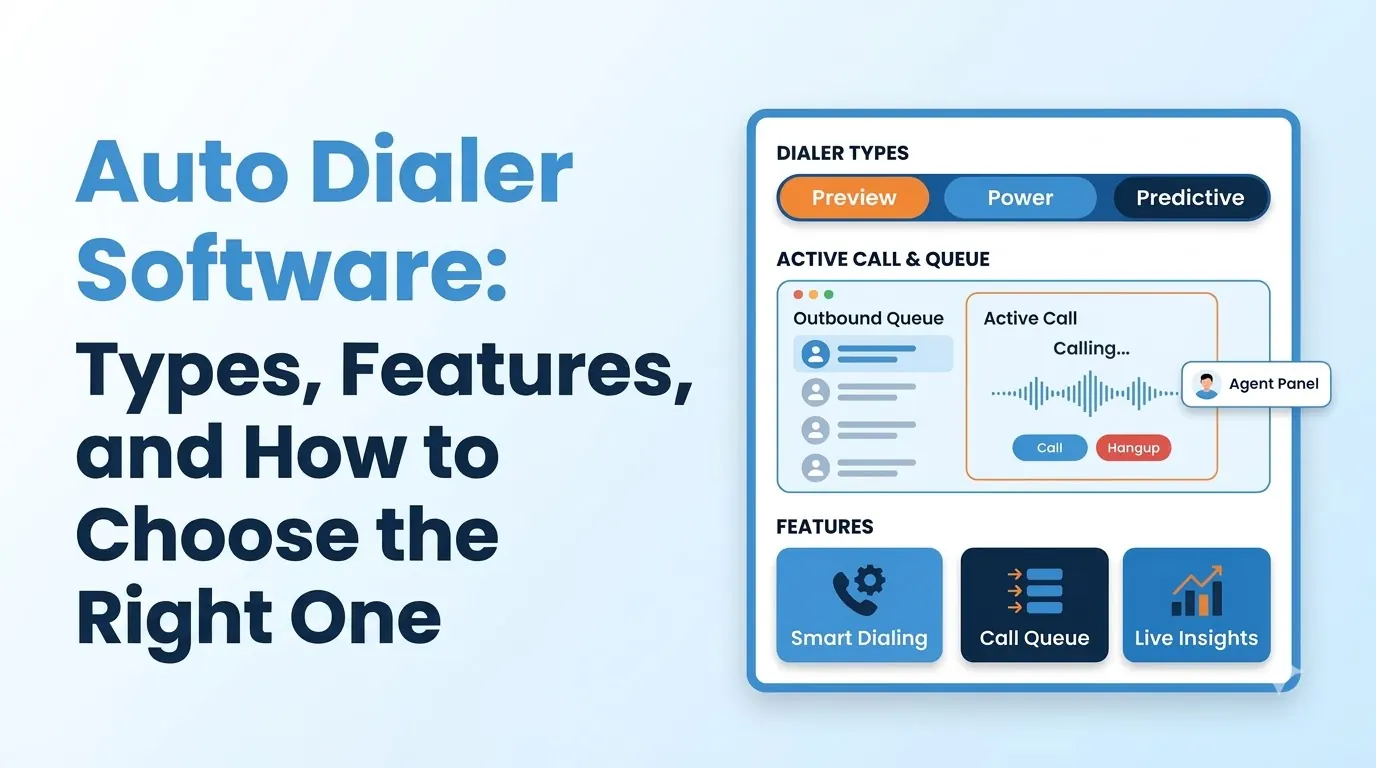
Auto dialer software places outbound calls on behalf of your agents. It works through a list of numbers, identifies live answers and routes each one to an available agent, so agents spend their time talking rather than waiting.
Using the wrong dialer can cause legal compliance problems and frustrate customers, while the right one can increase output.
This guide explains the dialer modes, the compliance rules behind them, the features to look for and how to choose auto dialer software for your team.
- What auto dialer software does and who uses it
- Predictive, progressive, preview and agentless modes compared
- How a dialer differs from a full contact center platform
- The compliance rules every outbound team should know
- A simple checklist for choosing, plus the mistakes to avoid
What Is Auto Dialer Software?
Auto dialer software automates outbound calling. A manager loads a list of contacts and chooses which mode the dialer should use.
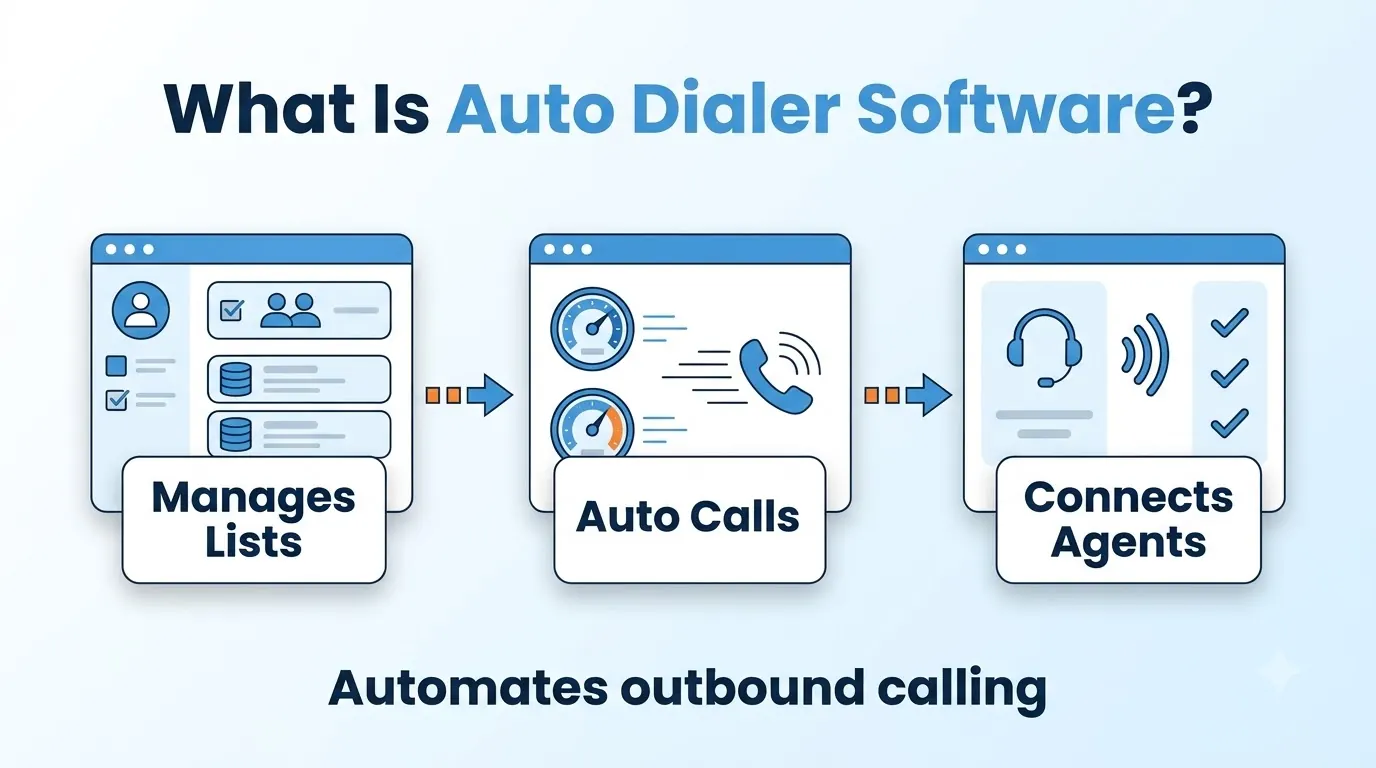
The dialer places the calls, filters out busy signals, voicemail and unanswered calls, and sends live answers to an available agent.
When calls are made by hand, a large part of an agent's time goes on dialing, waiting for the phone to ring and leaving voicemails. An auto dialer removes most of that wait and lets your agents spend more time in real conversations.
Sales teams, collections teams and appointment setters use dialers, as do surveys and follow-up campaigns. They are usually used within a contact center.
Types of Auto Dialer Software
Dialers differ mainly in the mode that decides when the next call is placed. Teloz's predictive dialer offers all four modes below, and the table works as a checklist for any provider.
| Mode | How it works | Best for | Main trade-off |
|---|---|---|---|
| Predictive | Dials ahead of agent availability and paces calls for high-volume lists | Large lists with high volume | Highest speed, so it needs the tightest compliance controls |
| Progressive (power) | Places one call for each available agent | Warmer leads and moderate volume | Slower than predictive, but agents are never waiting on a stray answer |
| Preview | Shows the agent the full account card before each dial | High-value or complex accounts | Lowest call volume, highest control |
| Agentless | Plays a pre-recorded message when voicemail is detected, with no agent involved | Notifications and reminders | No conversation, so limited to simple messages |
Start with the easiest mode that meets your goals. Many teams begin with progressive or preview dialing, and move to predictive once their lists and agent numbers are large enough.
Auto Dialer Software vs a Contact Center Platform
A dialer is only one piece of an outbound operation. It decides who to call and when.
A contact center platform adds queues, routing, supervision, recording and reporting around those calls. See our guide to call center software for how these pieces fit together.
Some products sell the dialer as a stand-alone product and others include it in the contact center platform.
If your agents also take inbound calls or handle chat and text, a dialer built into the platform means you don't need a second login or a second set of reports.
Compliance for Auto Dialer Software
Outbound calling is regulated, and a dialer can make it easy to breach the rules at speed.
Under the Telephone Consumer Protection Act, 47 U.S.C. § 227, it is unlawful to place calls using an automatic telephone dialing system or an artificial or prerecorded voice to certain numbers, including cell phones, without the called party's prior express consent, with limited exceptions.
The FTC adds its own rules for telemarketing calls under the Telemarketing Sales Rule. It caps abandoned calls at three percent of calls answered by a person per campaign.
A call counts as abandoned if it is not connected to a sales representative within two seconds of the person's completed greeting. Rules vary by call type, number type and region, so speak to counsel about what applies to your campaigns.
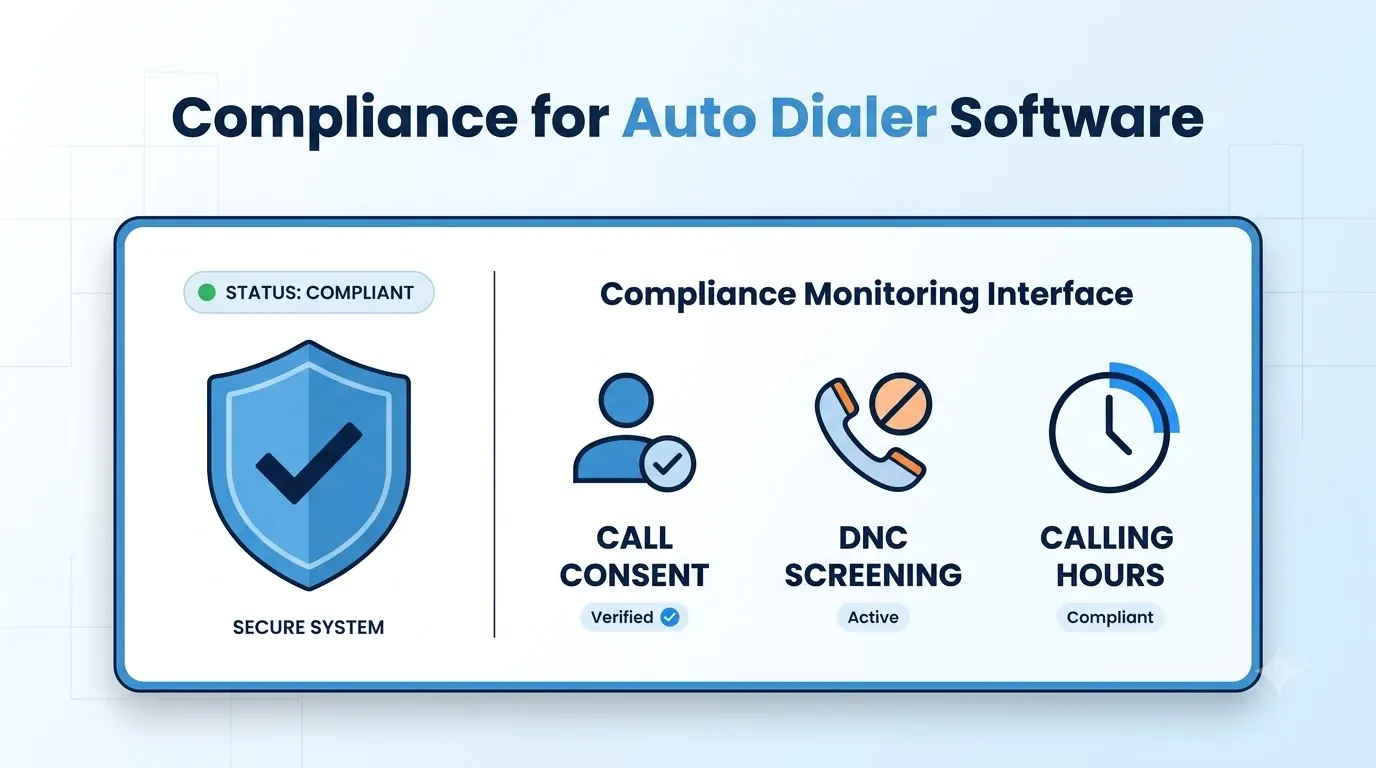
- Do-not-call scrubbing. Numbers should be checked against federal, state and internal lists at dial time, with suppression before the call connects.
- Calling windows. Quiet hours should be enforced by time zone so you never dial too early or too late.
- Redial caps. Limits per list per day stop repeated attempts on the same number.
- Consent records. A consent flag logged for each call gives you evidence if a call is challenged.
- Abandonment control. A configurable cap that pauses the campaign when it is exceeded keeps pacing inside your limits.
Teloz lists these controls on its dialer page, including a configurable abandonment cap that auto-pauses campaigns when exceeded. Ask any provider to show how each one is set and who can change it.
Core Features of Auto Dialer Software
Beyond the dialing mode, only a few features decide how useful the software will be.
- Answering machine detection. The dialer should tell live answers from voicemail and answering machines and route only live calls to agents. Optional pre-recorded messages can play on voicemail.
- CRM sync. Dispositions, notes and recordings should write back to your CRM in real time. Teloz lists Salesforce, HubSpot, Zoho or a custom CRM, which replaces end-of-day CSV uploads.
- Live supervision. Look for a dashboard showing agent state, pace, drop rate, connect ratio and time in conversation, with the ability to adjust pacing or pause a campaign.
- Agent screen. Agents should see their own state and, in preview mode, full account context before each call.
- Per-campaign settings. Different lists need different modes, windows and caps, so settings should be adjustable for each campaign.
Rank these against what matters most in your process. If you log every call in a CRM, write-back will be a key feature, and it will matter more than a long list of modes.
Launching Your First Dialer Campaign
A careful first campaign will teach you more than a big one. Teloz says you can launch a first campaign in hours rather than weeks, but it is still worth planning the setup.
- Clean the list. Remove duplicates and numbers that should never be called, and keep consent records with the list.
- Pick a gentle mode. Start with progressive or preview dialing and a small group of agents.
- Set the guardrails. Confirm calling windows, redial caps and the abandonment cap before the first dial.
- Define outcomes. Agree the dispositions agents will use so the CRM data stays clean.
- Watch and adjust. Check pace, drop rate and connect ratio live, and pause if anything drifts.
How to Choose Auto Dialer Software
Start with the size of your list, the number of agents you have and the type of calls you make. Then work through this checklist.
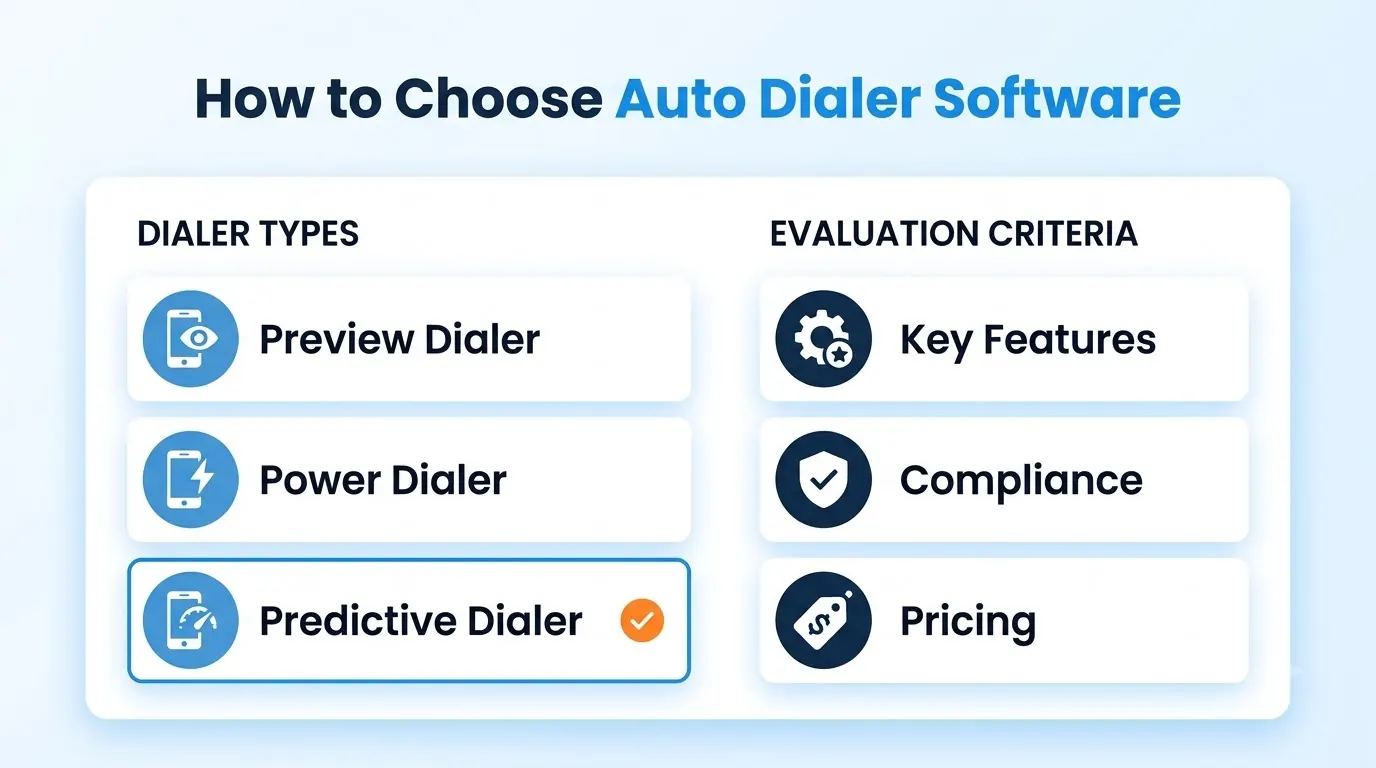
- Modes. Confirm the dialer supports the modes you need today and the ones you may want as you grow.
- Compliance controls. Ask exactly how do-not-call scrubbing, calling windows, redial caps, consent records and abandonment limits are handled.
- Integrations. Check your CRM connects and what data syncs both ways.
- Supervision. Make sure managers can watch pace and drop rate live and pause a campaign.
- Scalability and pricing. Check minimums and how costs change as you add agents. Teloz lists no per-seat minimums on its dialer page.
- A real trial. Run a small campaign with real agents and a clean list before you commit.
“Pick the gentlest dialing mode that meets your goals, and build the compliance rules in before the first call.”
Common Mistakes When Choosing Auto Dialer Software
Most problems come down to a few avoidable decisions.
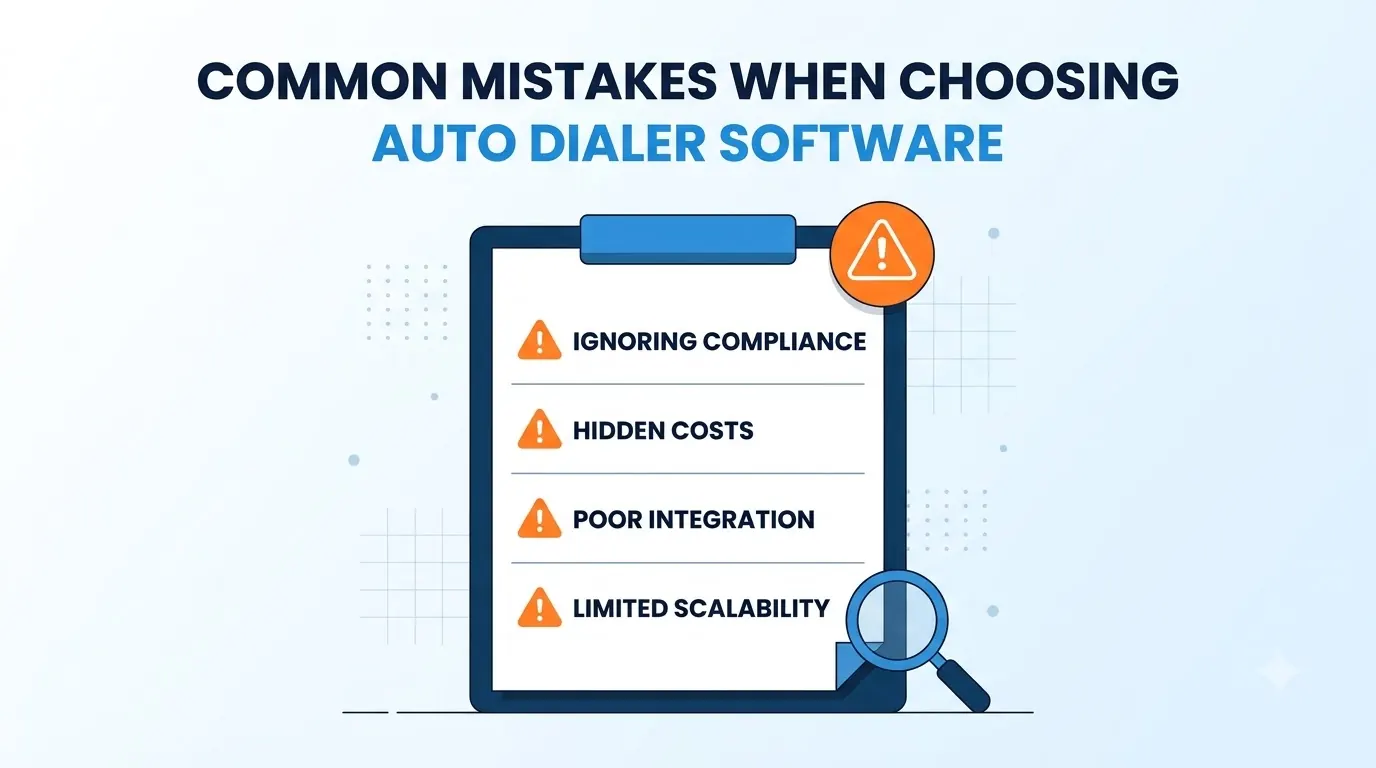
- Starting with predictive mode. It is the fastest mode and the easiest to get wrong. Begin with a gentler mode.
- Dialing dirty lists. Old, unscrubbed lists waste calls and raise complaint risk.
- Treating compliance as a setting to fix later. Build the rules into every campaign from the first call.
- Ignoring agent experience. If agents wait on screens or get callbacks they cannot see, results suffer.
- Skipping the CRM check. A dialer that does not write back outcomes creates manual work and lost notes.
A short written checklist, agreed with your campaign team and whoever owns compliance, will help you avoid most of these before the first call is placed.
Conclusion
Auto dialer software gives your outbound team more time in real conversations when it is set up with care. Predictive suits large lists, progressive suits warmer leads, preview suits complex accounts and agentless suits simple messages.
Choose the mode that suits your campaigns, make sure the compliance controls are in place and check that outcomes write back to your CRM. Run a small trial first, and your auto dialer software will help your agents without putting your calls at risk.


