Introduction
Call center software is the platform that receives, routes, records and measures customer calls and messages for a team of agents. It decides who answers, how long a customer waits and what a supervisor can see while it happens.
The category is crowded, and many products blur the line between a phone system and a contact center.
This guide covers what call center software does, which features to check, how cloud and on-premise options differ, what outbound dialing rules require and how to choose a platform you can trust.
- What call center software is and who needs it
- The core features worth checking in any platform
- Cloud vs on-premise call center software, compared
- Outbound dialer modes and the compliance rules behind them
- A simple checklist for choosing, plus the mistakes to avoid
What Is Call Center Software?
Call center software connects customers to the right agent and gives managers the tools to run the floor. It handles each call or message from the moment it arrives.
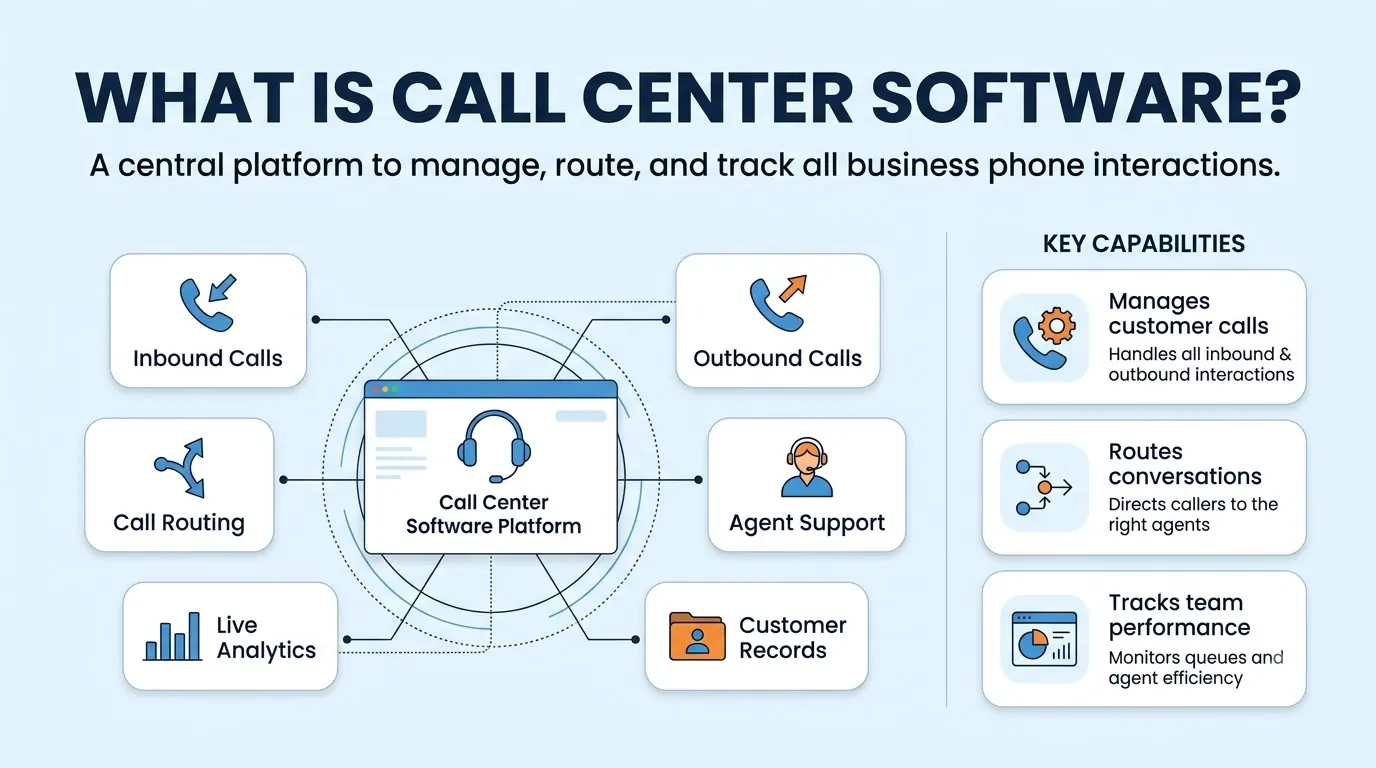
That means a greeting or menu, a queue, a match to an agent with the right skills and a record of what was said afterward.
It differs from an ordinary business phone system in scale and supervision. A phone system answers calls for employees. Call center software is built for many agents handling high volumes at once, with queues, live reporting and supervisor controls.
Teams that need it include customer support, sales, collections, appointment setting and any group where missed or slow calls directly cost money.
Core Features of Call Center Software
Feature lists run long, so focus on the capabilities that change how a shift runs. Teloz's cloud contact center includes the set below, and it works as a checklist for any vendor you compare.
- Omnichannel queues. Voice, business SMS, WhatsApp, Messenger, Instagram, Telegram, Viber, web chat and email route into one queue, so agents answer from one workspace.
- Intent-based routing. Calls and messages are classified by intent and matched to skill groups, instead of forcing every caller through a static menu tree.
- Real-time dashboards. Call volume, queue depth, average handle time, first-contact resolution and CSAT show where the floor needs help.
- Supervisor tools. Listen, whisper and barge work across voice and chat, so a manager can coach without interrupting the customer.
- Recording and search. Recordings are transcribed and tagged automatically, which makes past calls searchable.
- CRM sync and Microsoft Teams. CRM sync is included, and agents can use Teams as their phone interface with a PBX underneath.
Rank these by the problem you are trying to solve. If customers abandon long queues, routing and live dashboards matter more than a long channel list.
Cloud vs On-Premise Call Center Software
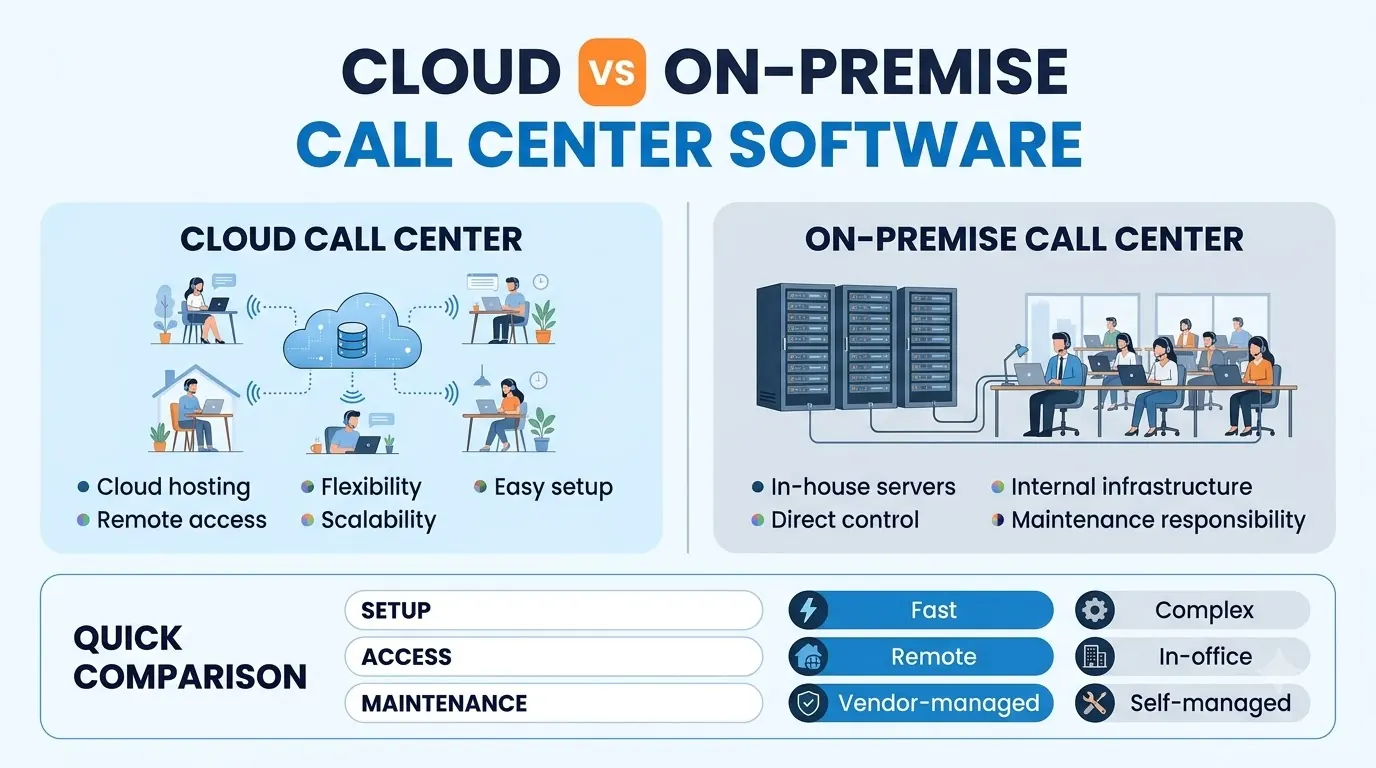
The first decision is where the software runs. On-premise call center software lives on servers you own and maintain, while cloud software is hosted by the provider and reached through a browser or app.
Our guide to VoIP call center solutions goes deeper on inbound, outbound and blended models once you have chosen a direction.
| Cloud | On-premise | |
|---|---|---|
| Where it runs | Provider's infrastructure | Your servers and data room |
| Setup | Configured online, no hardware to install | Hardware, installation and a project plan |
| Upkeep | Provider handles updates | Your team handles upgrades and repairs |
| Remote agents | Join from any location with an internet connection | Need VPNs or extra network setup |
| Best for | Growing, hybrid or multi-site teams | Teams with strict control needs and in-house IT |
Cloud suits most teams because agents can be added or moved without touching hardware. On-premise still makes sense where policy or regulation requires full control of the equipment.
Outbound Dialing and Compliance in Call Center Software
If your agents make outbound calls, the dialer settings matter as much as the features. A dialer can run in several modes, and each trades speed for control.
- Predictive. Dials ahead of agent availability and paces calls for high-volume lists.
- Progressive. Places one dial per ready agent, which suits warmer leads.
- Preview. Shows the agent the account card before each dial.
- Agentless. Plays a pre-recorded message when voicemail is detected, with no agent involved.
Rules limit how aggressively you can dial. For telemarketing calls, the FTC's Telemarketing Sales Rule requires technology that ensures abandonment of no more than three percent of calls answered by a person, measured per campaign. A call counts as abandoned if it is not connected to a sales representative within two seconds of the person's completed greeting.
Look for controls that help you stay inside those limits. These include do-not-call scrubbing against federal, state and internal lists at dial time, quiet hours enforced by time zone, redial caps and a consent record for each call. Teloz's predictive dialer lists these controls and says campaigns auto-pause when they exceed a configurable abandonment cap. Rules vary by use case and region, so confirm what applies to your campaigns.
Reporting and Supervision
Software only improves the floor if managers can see it. Real-time views show call volume, queue depth, service level and handle time as they change, alongside agent status and performance, so a supervisor can move people before customers wait too long.
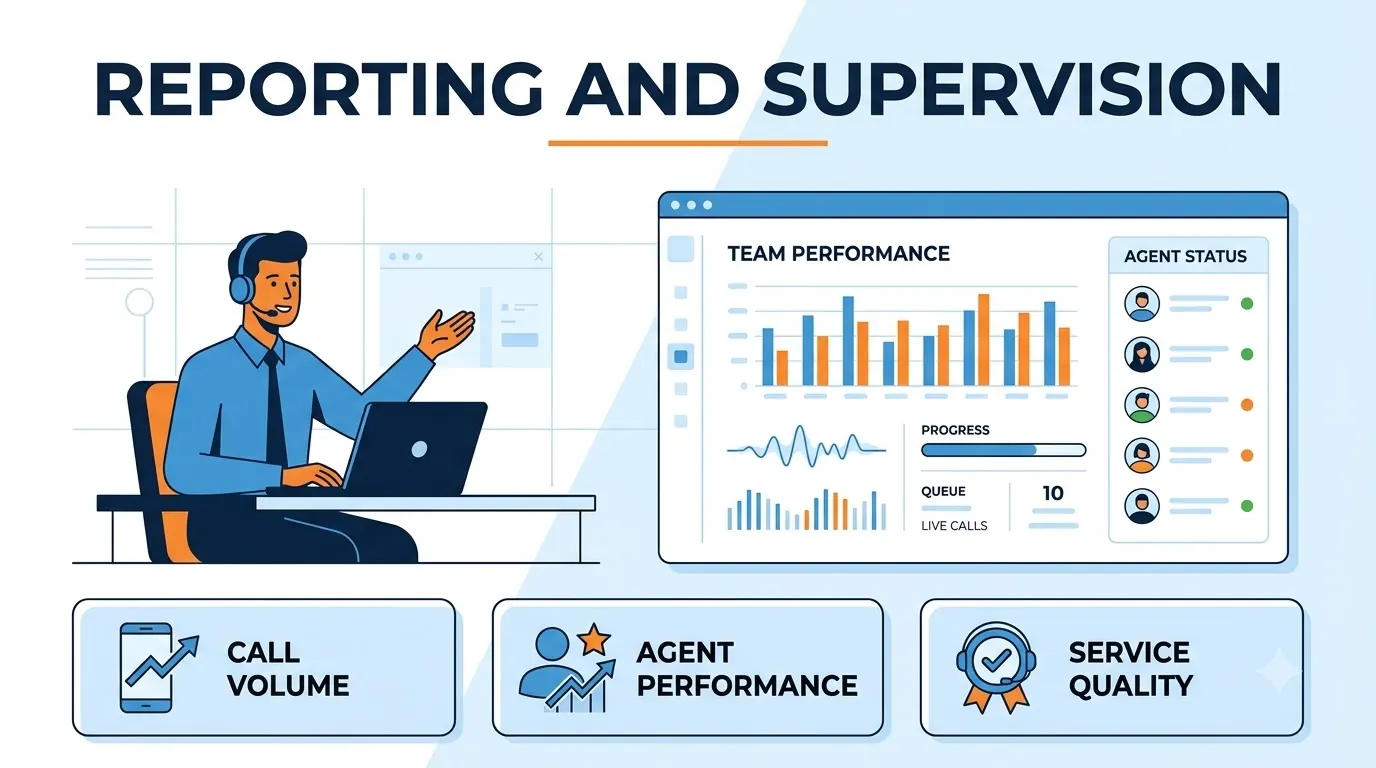
Supervisor controls turn those numbers into coaching. Listening in lets a manager hear a call without either party knowing.
Whispering lets them speak only to the agent. Barging brings them into a three-way call.
Teloz states that these tools work on desktop, mobile and the webphone, with an audit log of each action.
Ask any vendor whether the same views cover voice and messaging, since many teams now handle both.
How to Choose Call Center Software
Choosing well starts with your own numbers: how many agents you have, what channels customers use and where calls go wrong today. Then work through this checklist.
- Channels. List every channel your customers use and confirm each one routes into the same queue.
- Routing and queues. Check that routing can match customers to the right skills and that queue callbacks and overflow rules work the way you need.
- Supervision and quality. Confirm live monitoring, recording and searchable transcripts.
- Compliance. If you dial outbound, ask exactly how do-not-call scrubbing, quiet hours and abandonment limits are handled.
- Integrations. Confirm your CRM and any helpdesk connect, and ask what data syncs both ways.
- A real trial. Test with real agents on real calls. Teloz offers a trial you can start from its contact center page, so you can check call quality and agent workflow before committing.
“Start with the problem on your busiest day, then test the software with real agents and real calls.”
Common Mistakes When Choosing Call Center Software
Most regrets trace back to a few avoidable mistakes. Compare your plan against this list before you sign.
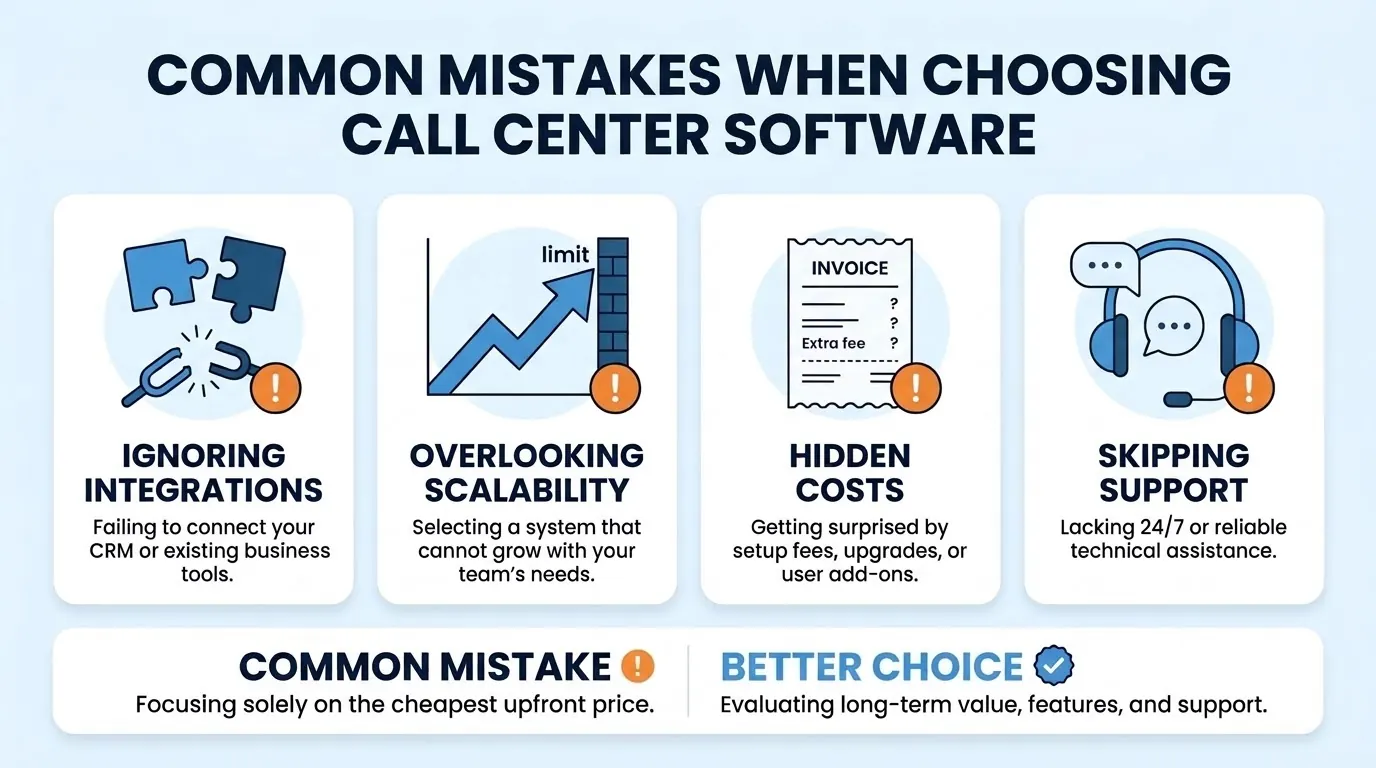
- Ignoring integrations. A CRM connection that only logs calls one way, or does not connect at all, leaves agents retyping notes.
- Overlooking scalability. A system that cannot grow with the team forces a second migration when volume rises.
- Missing hidden costs. Ask about setup fees, upgrades and per-user add-ons so the total price is clear before you sign.
- Skipping support. Check what technical help is available, when it is available and how quickly it responds.
- Choosing on the cheapest upfront price. Weigh long-term value, features and support instead of the lowest first-month number.
Two more mistakes are worth avoiding. Treating compliance as an afterthought is costly, since dialer settings are hard to change once campaigns run. Judging a demo instead of testing at volume is just as risky, since three users cannot show how queues behave on your busiest day. A short written checklist, agreed by supervisors and agents before the trial starts, catches most of these before they cost you customers.
Conclusion
Call center software should get customers to the right agent quickly and give managers the view they need to run the floor.
Cloud platforms suit most teams, and the features that matter most are the ones tied to your own queues, channels and compliance duties.
Write down your agents, channels and outbound rules, check supervision and integrations, and run a trial with real calls. Do that and your next call center software will be easier to run than the last.


